
Getting started
Find your way around the four tabs and test your first alert.
Run a first test
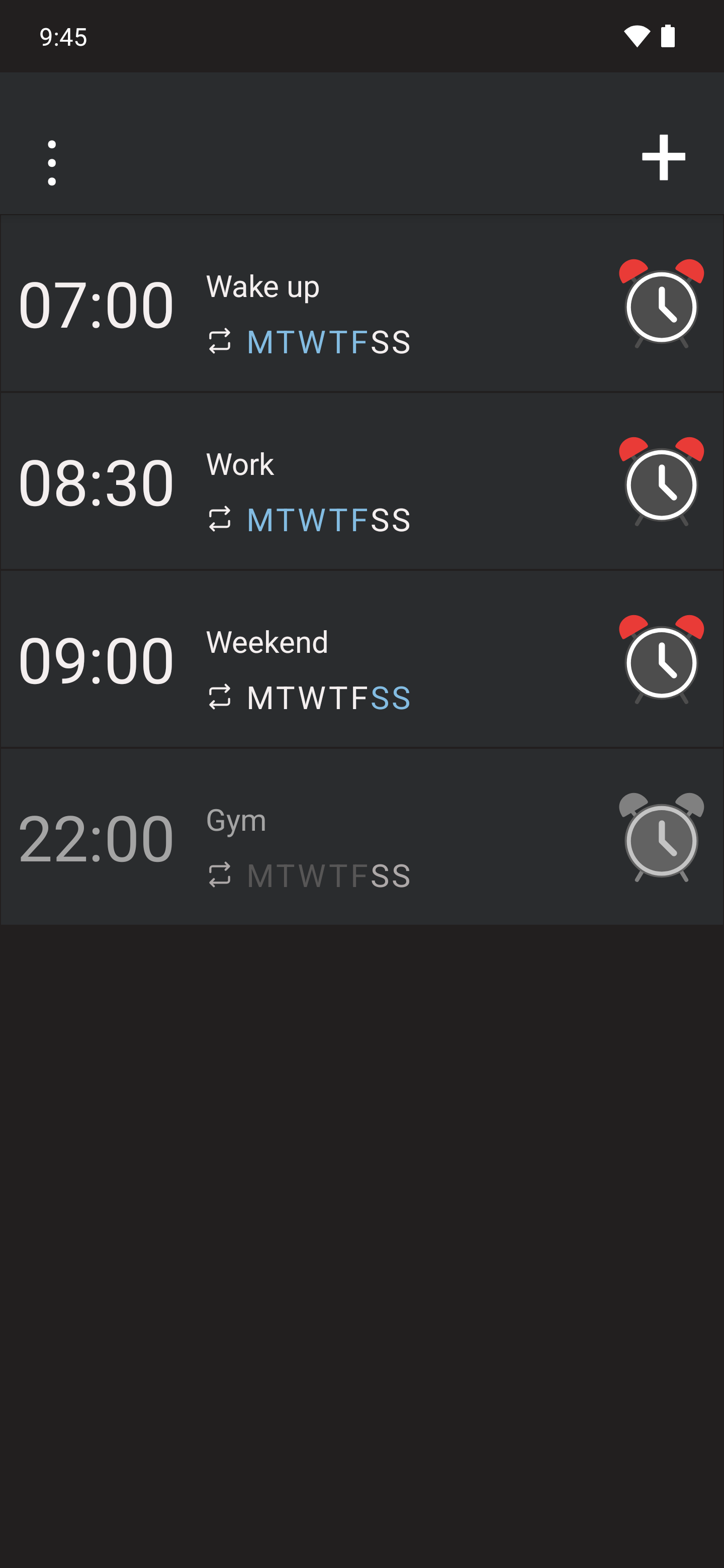
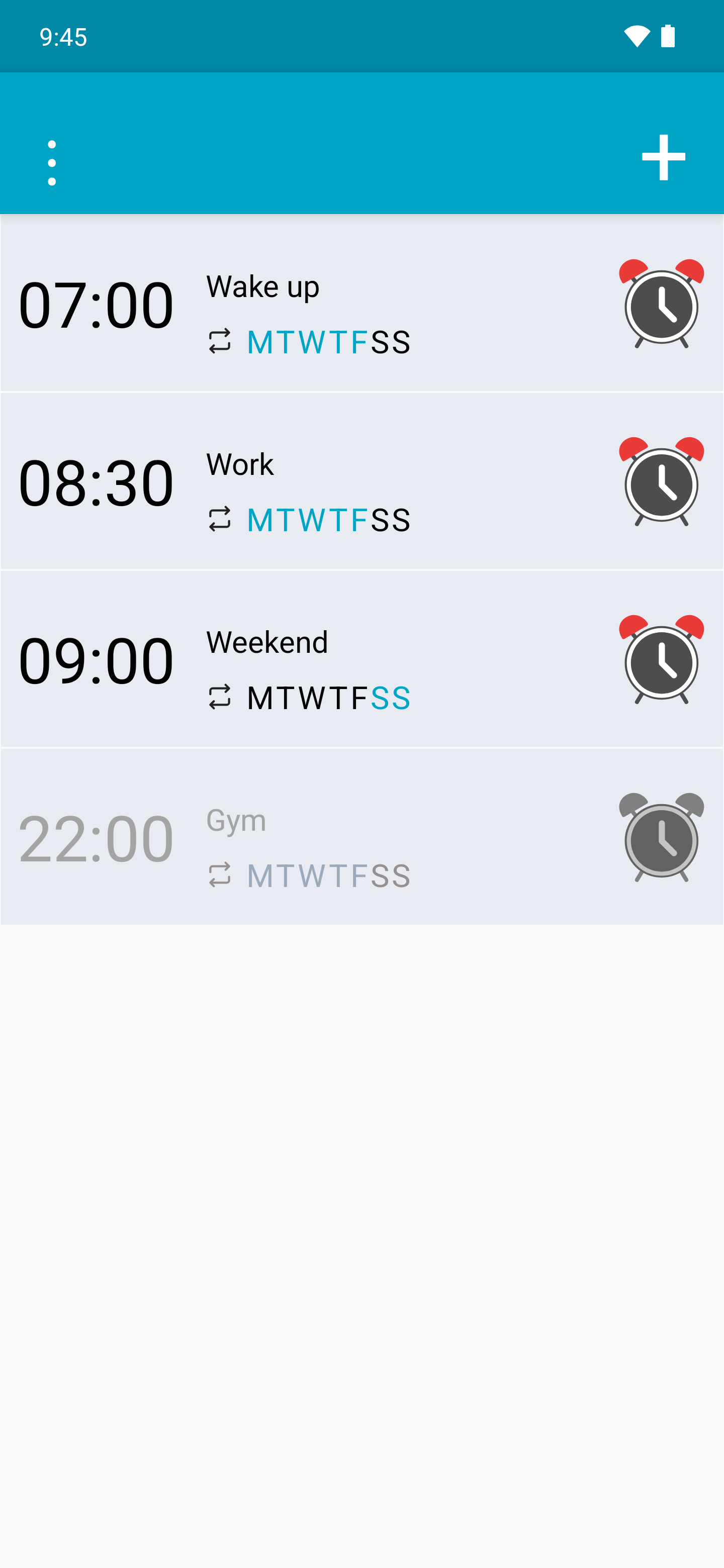
- Open Alarm and tap +. Set a time a few minutes ahead and enter a recognisable name.
- Check the days, alert type, tone and volume. Tap Save and grant the alarm access Android requests.
- Check that the switch is on and review the next alarm. Lock the phone and wait for the alert.
- Hold Turn off until the circle completes. If the alert does not appear or sound, check the permissions and troubleshooting guides.
What you need
Clock requires Android 7.0 or later. Alarm and timer alerts depend on device permissions and power settings. Light detection, flash and shaking the phone require the relevant hardware.
Data are stored on the device. The app does not need Internet for its five functions. Sharing results or opening links uses the external application you choose.