
Dismiss, snooze and use the flash
Learn the hold gesture and configure volume buttons, shaking and flash.
When an alarm rings
Hold Turn off or the snooze control until the circle completes. A brief tap does not complete the action. Snoozing uses the interval set for that alarm.
While an alarm is snoozed, hold Cancel alarm to cancel that pending alert. This does not delete the alarm settings or future repeats.
If you only see a notification, tap it to open the alarm screen. Check permissions if the screen does not appear on the lock screen.


Volume buttons and shaking the phone
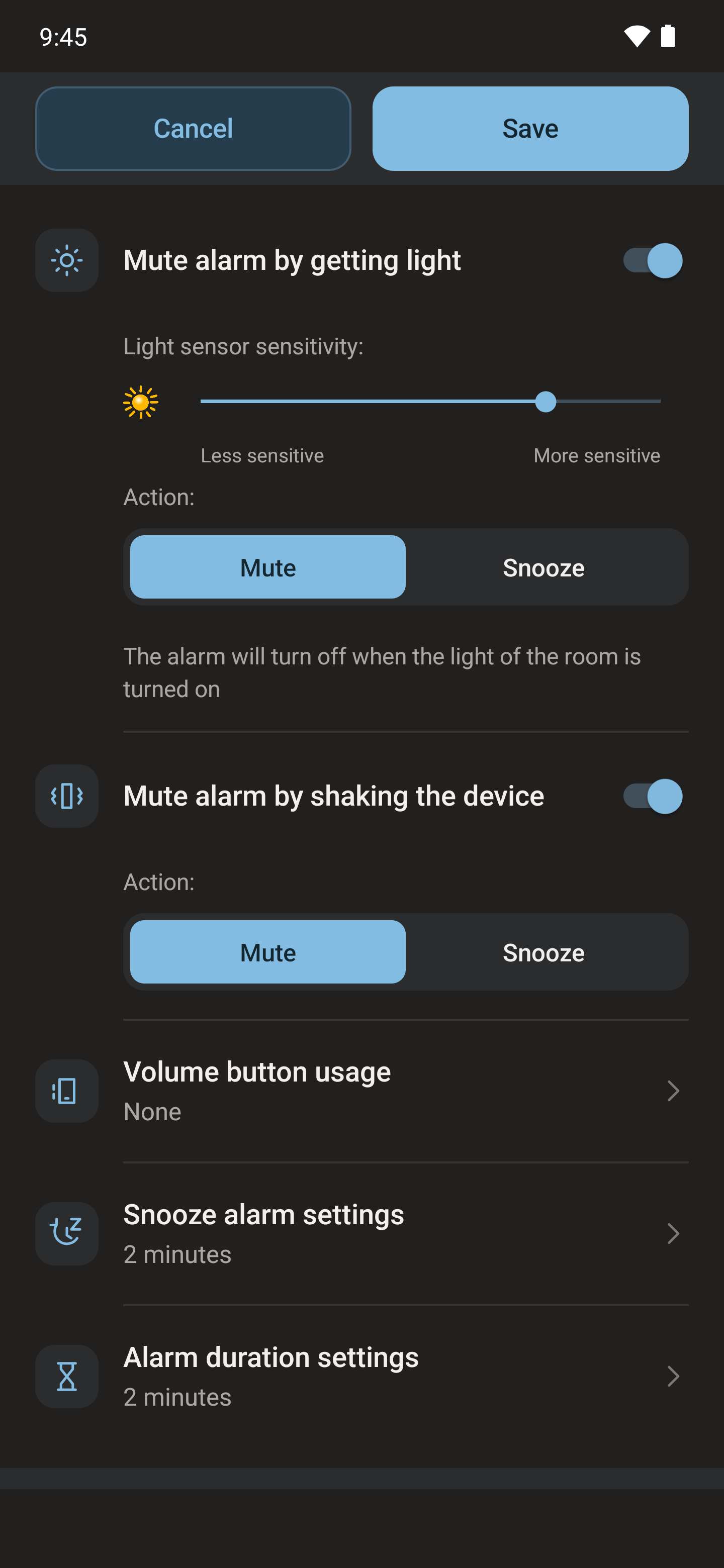
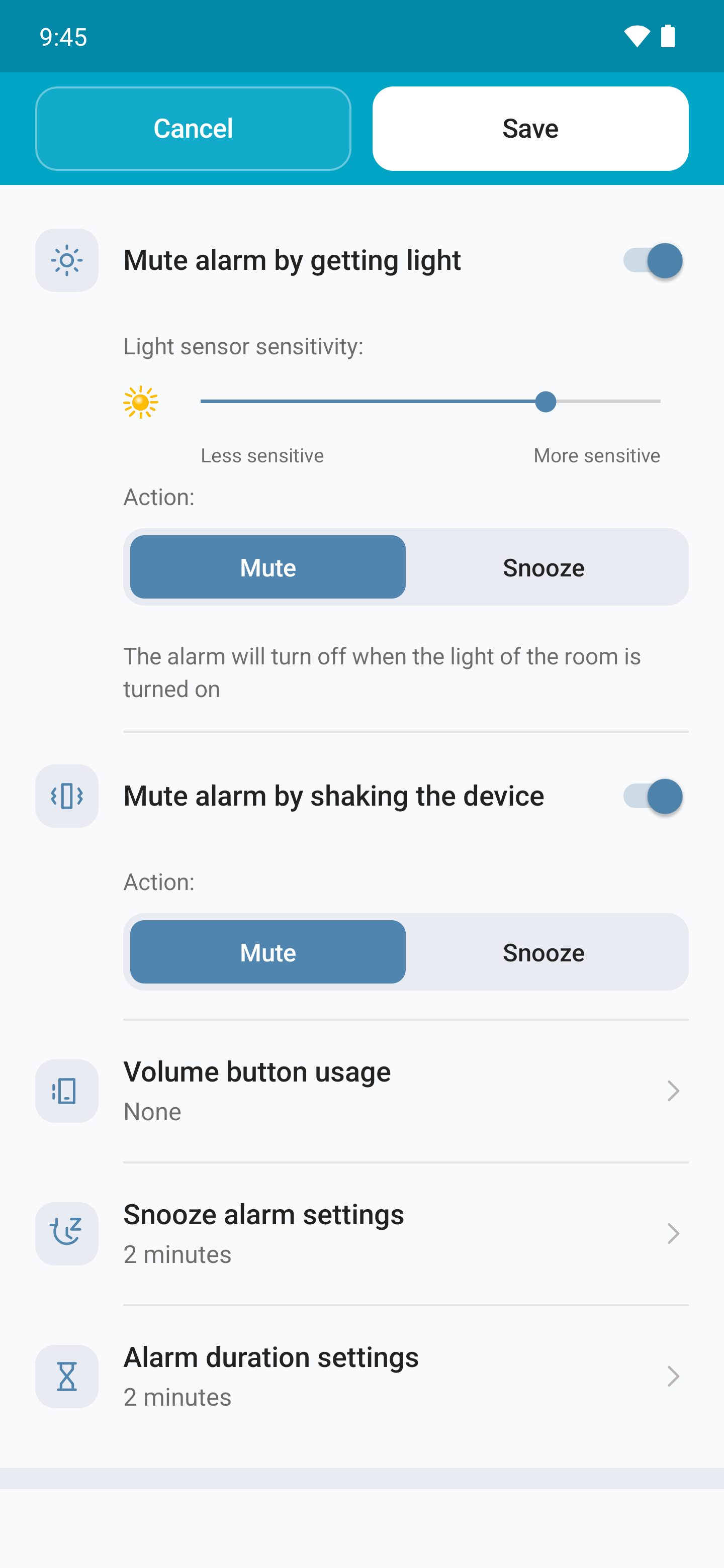
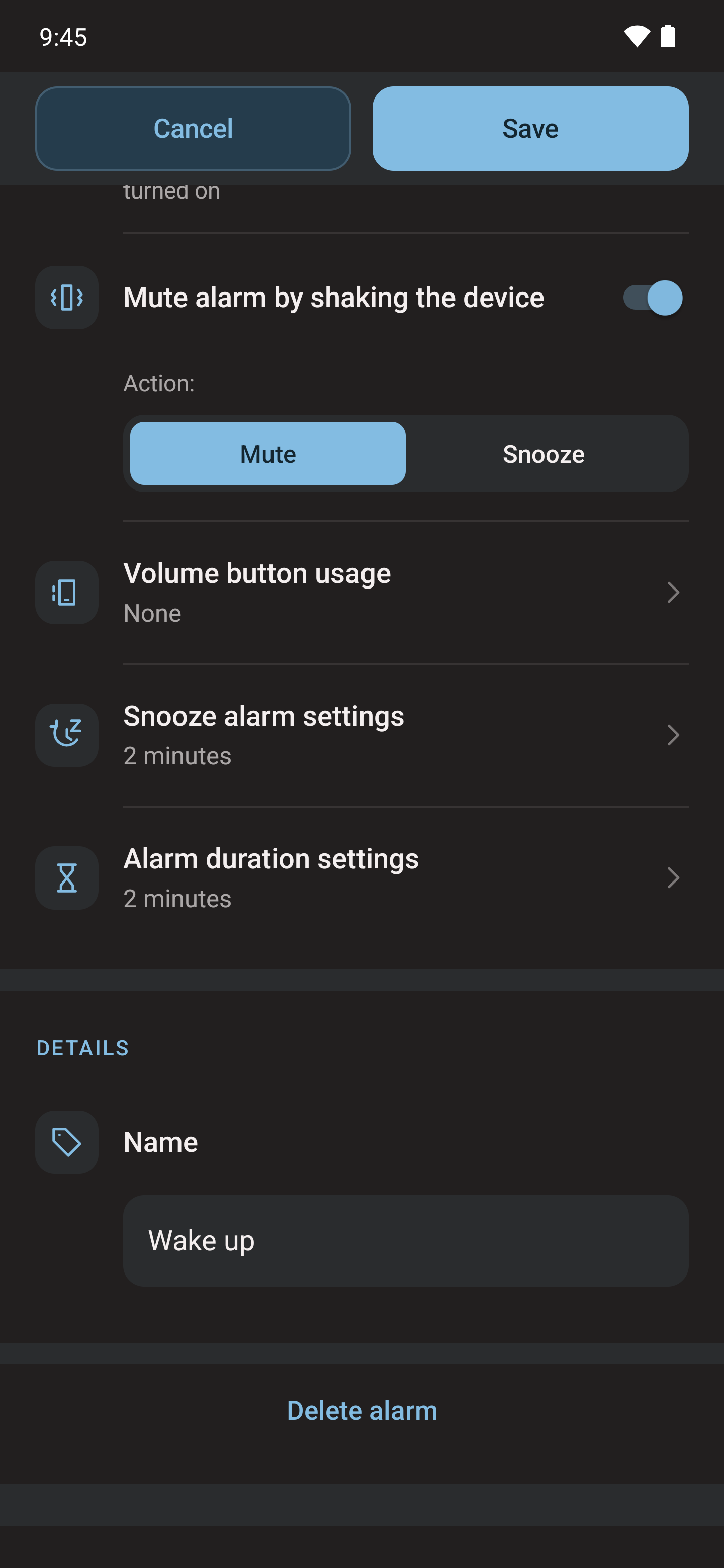
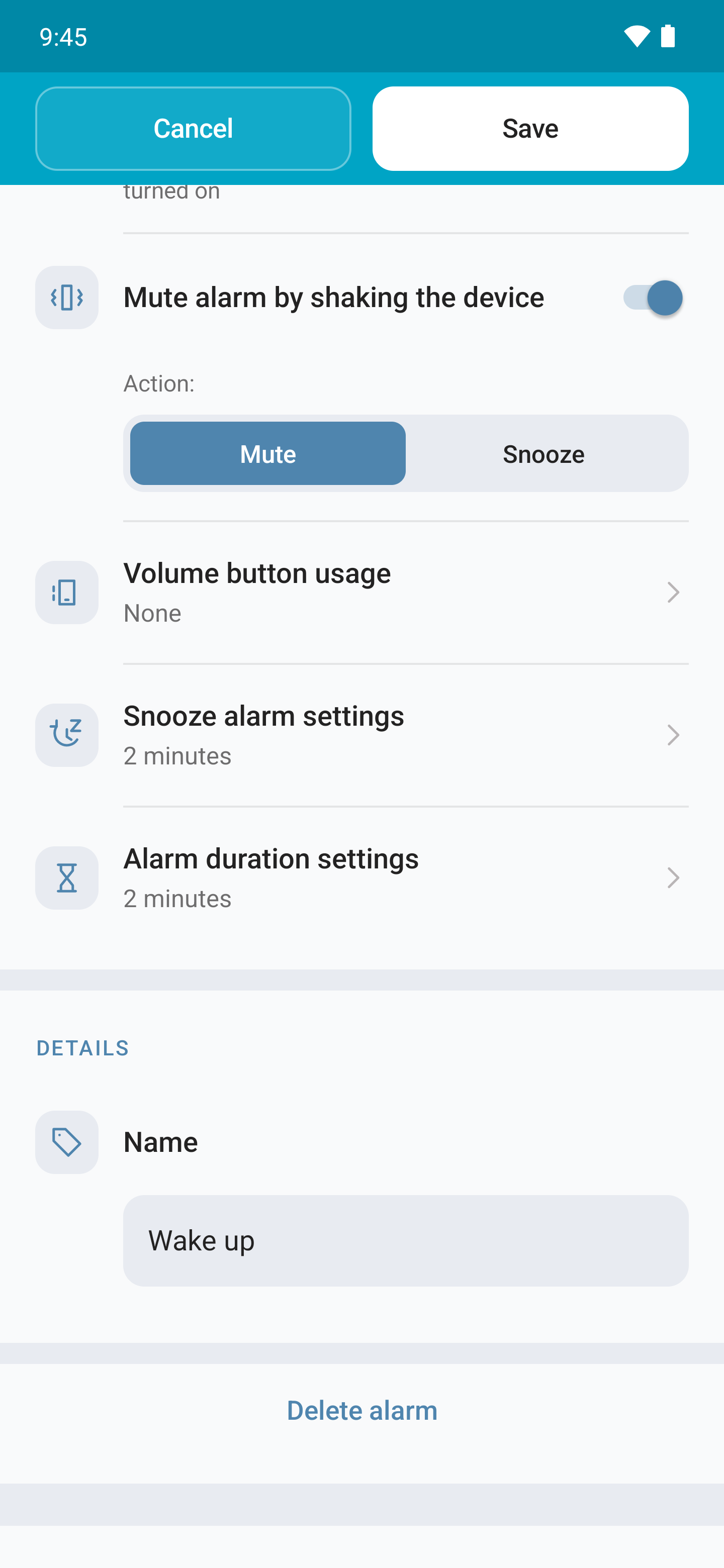
In each alarm's editor, choose whether the volume buttons do nothing, dismiss the alert or snooze it.
The shake option uses the accelerometer. Choose whether it turns off or snoozes the alarm, then test the movement with an alarm set a few minutes ahead. It is not general room motion or presence detection.
Flash and delay before sound
If supported by the device, configure a steady or blinking flash for the alarm. Also check the delay before sound starts.
Test it together with light detection: a mirror or reflective surface can send the flash back towards the sensor and dismiss or snooze the alert. Light detection has its own guide.

